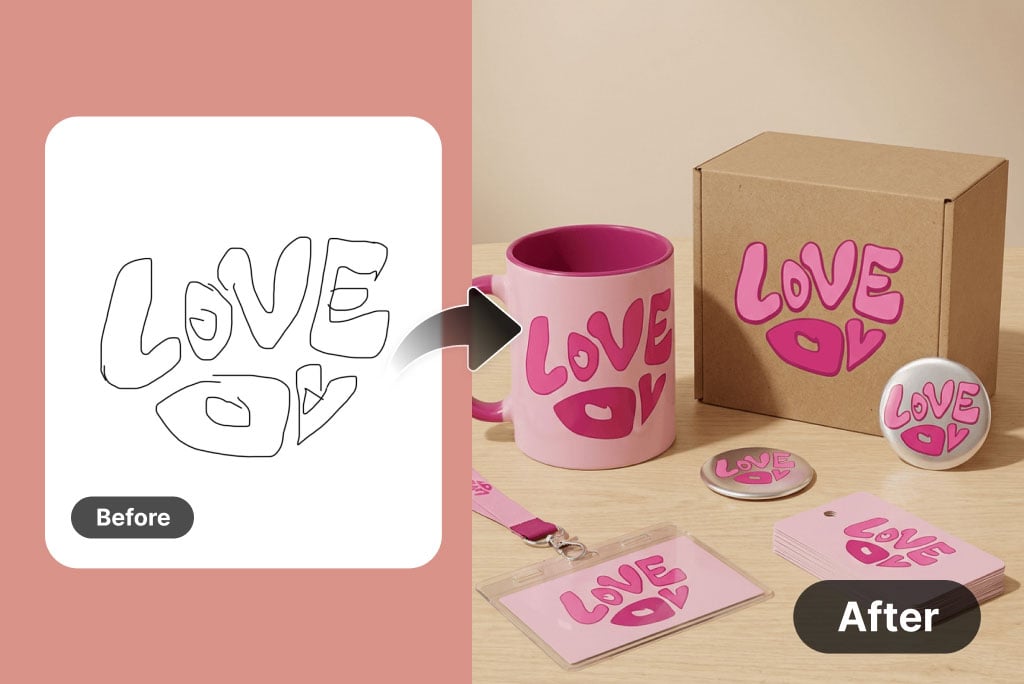
 "Nano Banana 2 Image to Image Guide for Edits, References, and 4K")
Nano Banana 2 Image to Image Guide for Edits, References, and 4K
Learn how to use Nano Banana 2 for image-to-image edits, multi-image references, subject consistency, cleaner text, and 4K-ready delivery.
What “Nano Banana 2 Image to Image” Usually Means
When people search for Nano Banana 2 image to image, they usually want one of these things:
- Turn a photo into a new style
- Keep a subject, but change the scene
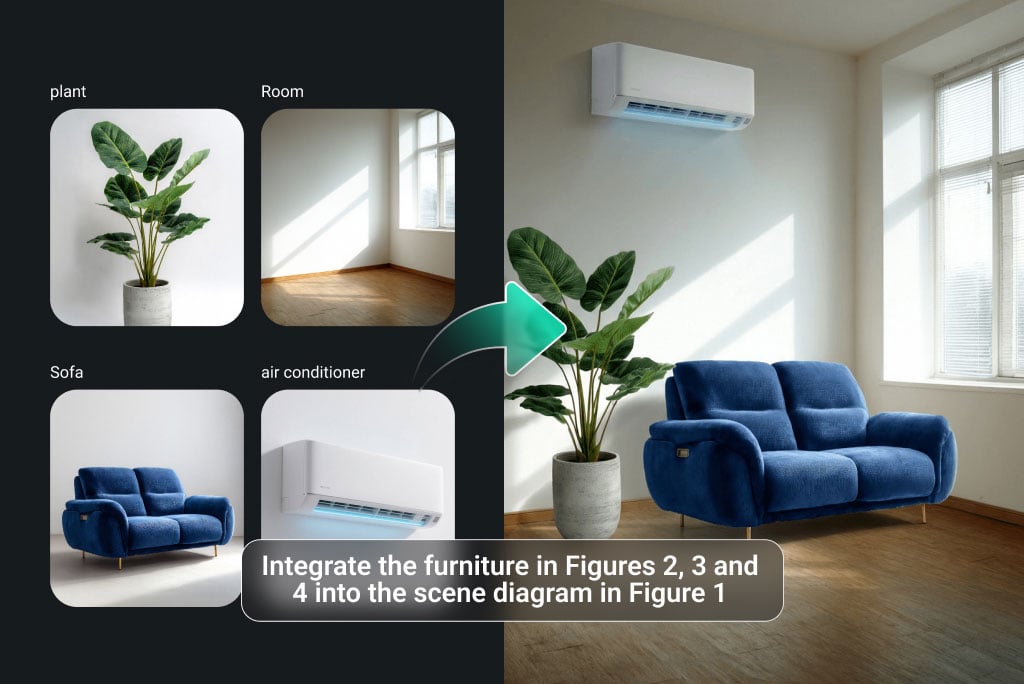
- Use one or more references to guide a new image
- Keep a product or face consistent across several results
- Improve the image and then upscale it for delivery
That is different from plain text-to-image. Here, the starting image matters.
Image to Image vs Image Editor
The two workflows are related, but not the same.
Use image-to-image when:
- You want a new image based on a reference
- You want stronger restyling
- You want a sketch, photo, or layout to guide a new output
- You want to mix several references into one result
Use the image editor when:
- You want smaller, precise changes
- You want to keep most of the original photo
- You need targeted fixes like relighting, text repair, or background cleanup
You can start in Nano Banana 2 image-to-image and move to the image editor when you want finer control.
The Best 4-Step Workflow
- Upload the best reference image you have.
- Write a prompt that says what should change and what should stay fixed.
- Add more references if identity or layout matters.
- Pick the best version, then upscale it if you need sharper output.
This is simple, but it covers most real use cases.
How to Write a Better Image-to-Image Prompt
A strong image-to-image prompt has two parts:
- What to change
- What to keep
Use this template:
Change [thing to change], keep [thing to keep], use [style or mood],
keep [identity, product shape, layout, or text], avoid [main failure]
Example:
Change the plain studio background into a warm cafe interior, keep the coffee bag shape and logo unchanged,
soft afternoon light, clean lifestyle ad style, keep the product centered, avoid extra products and warped text.
When to Use More Than One Reference Image
One reference image is fine for simple jobs.
Use multiple references when:
- One image has the face you want
- One image has the product you want
- One image has the background or mood you want
- One sketch defines the layout you want
This is how you get better consistency without overloading the prompt.
Good Use Cases for Nano Banana 2 Image to Image
Product marketing
Upload a real product shot. Change the set, the color world, or the placement while keeping the product shape stable.
Character consistency
Use face references and keep the same identity across storyboards, ads, or social content.
Sketch to polished image
Start from a wireframe, drawing, or layout. Turn it into a cleaner final scene.
Poster updates
Reuse the same key visual, but change the season, color, language, or headline.
How to Keep Faces and Products Stable
If consistency matters, follow these rules:
- Use clear reference images
- Say exactly what must stay unchanged
- Change only one or two big things at a time
- Keep the style direction focused
- Do not overload the prompt with too many ideas
This is often more effective than writing a much longer prompt.
How to Handle Text in an Image-to-Image Workflow
If the final image includes text, treat the text as a key part of the prompt.
Write:
- The exact words
- Where the text should go
- What style the text should have
- What should remain readable
Short text is easier on the first pass. After that, refine the wording and spacing.
How to Get 4K-Ready Results
Image-to-image is usually the creative step. Upscaling is the delivery step.
Use this order:
- Get the content right
- Fix the layout and text
- Confirm the subject looks right
- Upscale in the Nano Banana 2 image upscaler
That is the cleanest path to sharper output.
Common Mistakes
Mistake 1. The reference image is weak
Blurry or cluttered references create weaker results.
Mistake 2. The prompt only says what to change
If you do not say what to keep, the image can drift.
Mistake 3. Too many goals in one pass
Do not change the background, style, pose, text, and composition all at once unless you must.
Mistake 4. Upscaling too early
Wait until the content is right. Otherwise you spend time sharpening the wrong version.
Related Resources
- Read: What is Nano Banana 2?
- Read: Nano Banana 2 prompts guide
- Compare: Nano Banana vs Nano Banana 2
- Try: Nano Banana 2 image-to-image
FAQ
Is Nano Banana 2 image-to-image good for product photos?
Yes. It is useful when you want to keep the product identity, but change the scene, mood, or design direction.
Can I use multiple reference images?
Yes. That is one of the best ways to improve consistency for faces, products, and layouts.
Should I use image-to-image or the image editor?
Use image-to-image for stronger transformations. Use the editor for smaller, precise changes.
Final Take
Nano Banana 2 image-to-image works best when you give it a strong reference, a clear change goal, and a short list of things that must stay stable.
That is the fastest way to get better edits and more repeatable results.
Author
)
More Posts
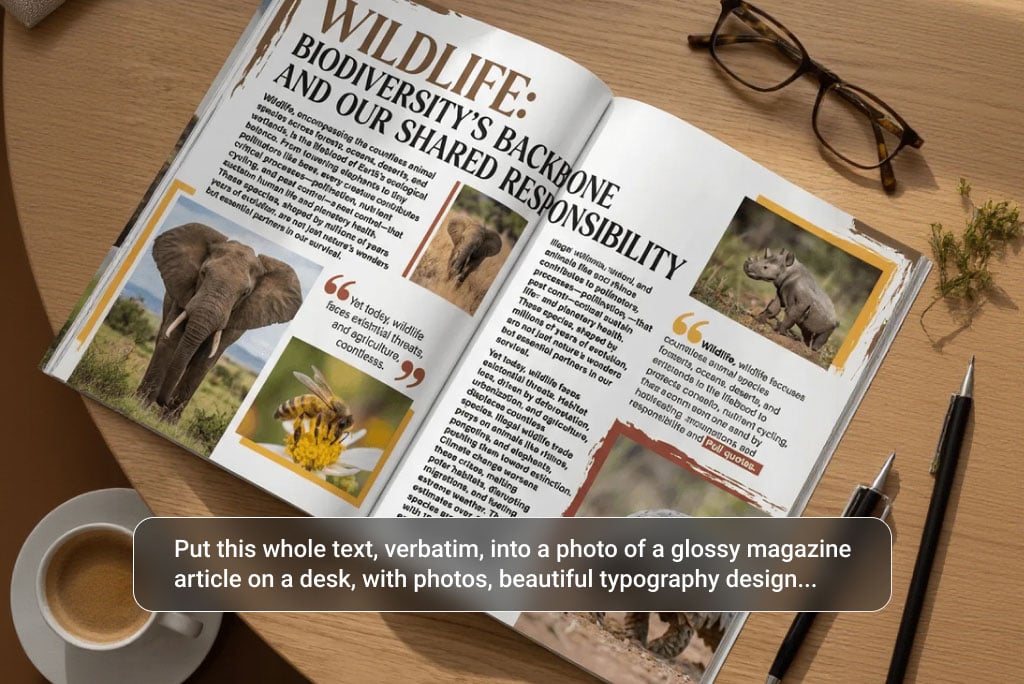 "Nano Banana 2 Prompts: How to Write Better Prompts Fast")
Nano Banana 2 Prompts: How to Write Better Prompts Fast
Use this Nano Banana 2 prompts guide to write clearer prompts for posters, product images, photo edits, text rendering, and consistent multi-image results.
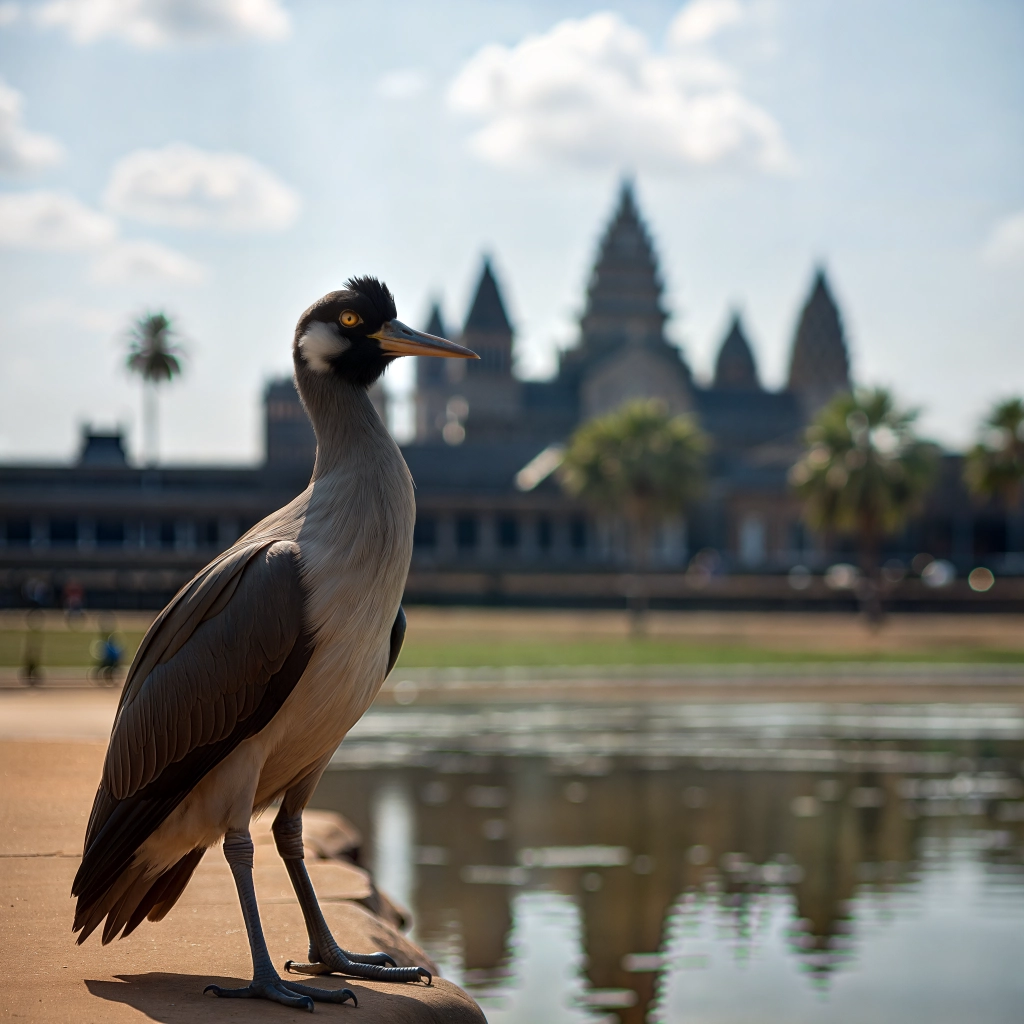
Nano Banana 2 for Localized Ad Creatives: How to Adapt One Campaign Across GEO Markets
A guide to GEO localization for AI image workflows, including multilingual ad creatives, regional design variants, and how Nano Banana 2 helps teams adapt one campaign across markets without rebuilding everything.
 "Nano Banana vs Nano Banana 2: Main Differences and Best Uses")
Nano Banana vs Nano Banana 2: Main Differences and Best Uses
A simple comparison of Nano Banana and Nano Banana 2 for prompt accuracy, text rendering, multi-image workflows, editing control, and 4K-ready output.
Newsletter
Join the community
Subscribe to our newsletter for the latest news and updates