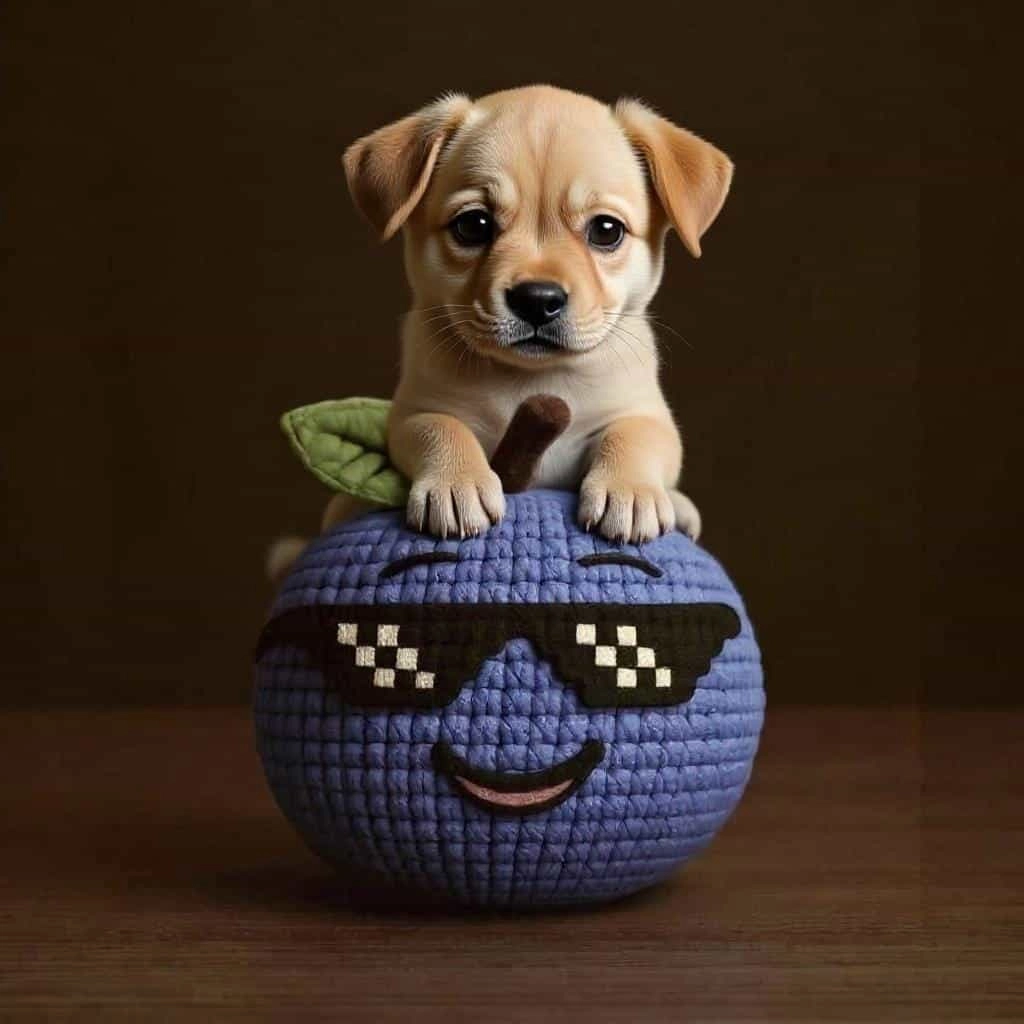
Nano Banana 2 for Text Rendering: How to Edit Words Inside Images Without Starting Over
A practical guide to AI image text editing, cleaner text rendering, and how Nano Banana 2 helps teams update posters, ads, menus, and social assets without rebuilding the whole image.
Why This Topic Matters
One of the most common complaints about AI image tools is simple: the picture looks good, but the text is broken. Headlines become gibberish, labels drift out of alignment, and a small copy change often means generating the whole image again.
That is exactly why search terms like "AI image text editing", "fix text in AI images", and "text rendering AI" matter. Users are not only trying to generate art. They are trying to ship banners, product cards, menu boards, mockups, and social creatives that still need readable words.
The Real Pain Point
Most workflows fail at one of these steps:
- The first render produces distorted letters.
- A later edit changes layout, colors, or composition that should have stayed fixed.
- Replacing one line of text breaks the rest of the image.
- Teams lose time recreating ads and posters from scratch for each market or campaign.
This is why "generate image" is not enough. The better workflow is "edit the existing image precisely".
Where Nano Banana 2 Fits
Nano Banana 2 is more useful when the job is not pure generation, but controlled revision:
- update one word, price, or CTA without rebuilding the image
- keep the original composition while changing language or offer
- revise packaging labels and poster headlines
- test multiple promotional variants from one approved draft
That editing-first workflow is much closer to how design teams, ecommerce operators, and solo creators actually work.
High-Intent Use Cases
1. Ecommerce Promo Banners
You already have a strong visual. You only need to change:
- the headline
- the sale price
- the button copy
- the market language
Instead of regenerating the whole banner, Nano Banana 2 can be used to keep the structure and revise only the text layer area.
2. Restaurant Menus and Flyers
Menu boards, event posters, and local flyers often need small revisions. A date change or pricing update should not force a full redesign.
3. Product Packaging Mockups
Many teams need packaging variants for different countries. The layout stays the same, but labels, ingredients, or promo claims change.
4. Social Media Creatives
Creators often want one concept in several versions:
- short headline for paid ads
- longer copy for organic posts
- local language variant for a regional account
A Better Prompting Pattern
If your goal is text editing, the prompt should be specific about what must stay fixed.
Good instructions usually include:
- which text area should change
- what the new text should say
- what layout must remain unchanged
- whether fonts, colors, shadows, or spacing should stay consistent
Examples:
- "Replace the headline with 'Spring Launch Week' and keep the existing layout, colors, logo placement, and background unchanged."
- "Change only the price tag from '$29' to '$19' while preserving the product position and all surrounding text."
- "Translate the main headline into Spanish and keep the same bold font style and centered alignment."
What Makes This Useful for SEO and Content Teams
This is not only a design problem. It is also a publishing problem.
If a site needs fresh landing pages, campaign graphics, or localized visuals every week, text rendering quality becomes a bottleneck. Better image text editing means:
- faster campaign updates
- more landing page variants
- easier GEO localization
- less manual rework in design tools
For a browser-based workflow, that speed matters.
Recommended Nano Banana 2 Workflow
- Start with the best available draft image.
- Identify the exact text area that must change.
- Prompt for local editing, not full regeneration.
- Export several text variants for different channels.
- If needed, send the final asset to the upscaler for cleaner 2K or 4K output.
Final Takeaway
The search intent behind "AI image text editing" is strong because users are solving a real production problem. They do not want another random image. They want the same approved image, with better text, faster revisions, and less redesign work.
That is where Nano Banana 2 has an advantage: it fits the workflow of editing, not only generating.
Author
)
More Posts
 "Nano Banana 2 Prompts: How to Write Better Prompts Fast")
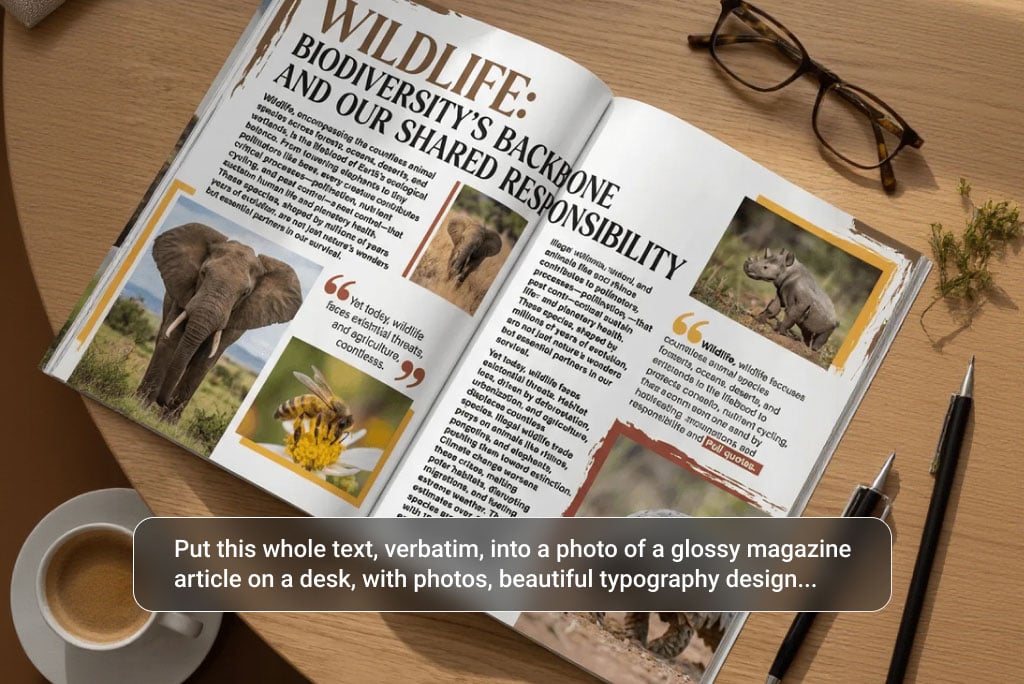
Nano Banana 2 Prompts: How to Write Better Prompts Fast
Use this Nano Banana 2 prompts guide to write clearer prompts for posters, product images, photo edits, text rendering, and consistent multi-image results.
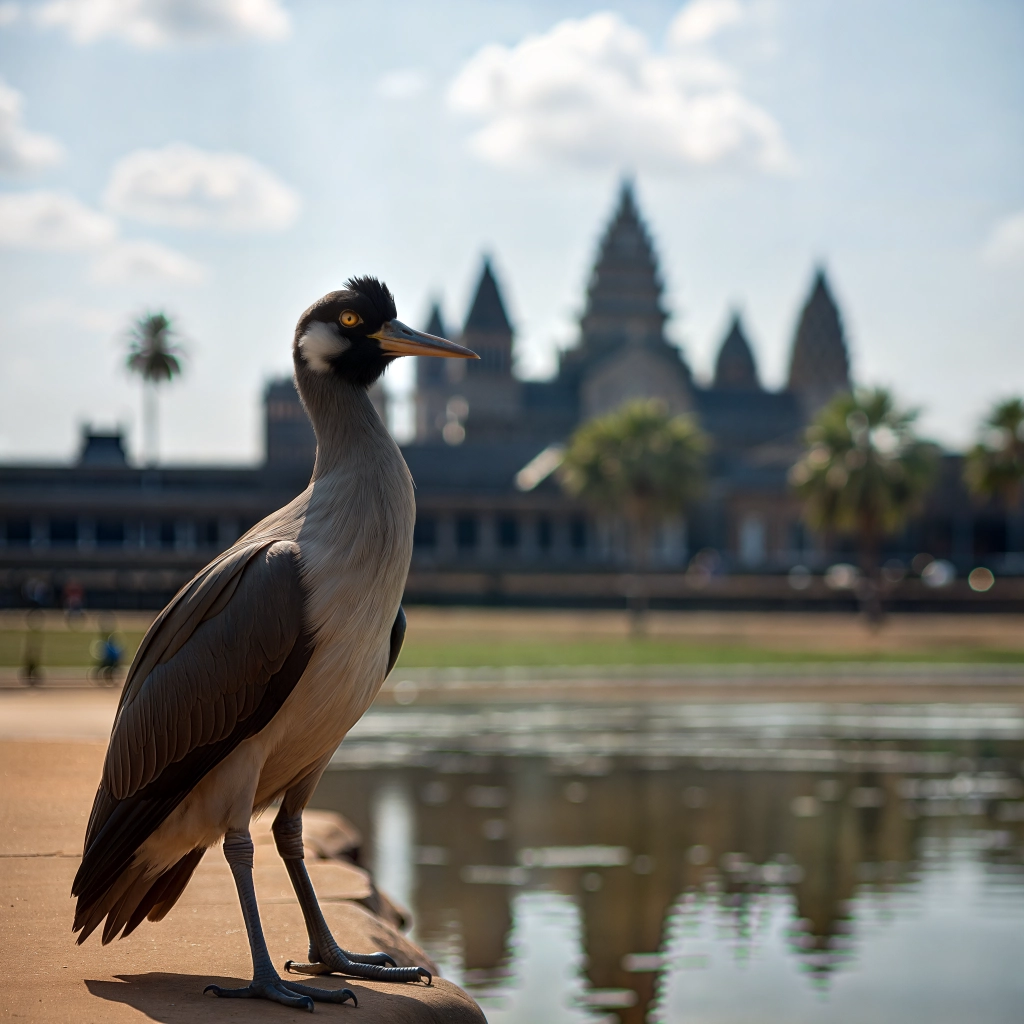
Nano Banana 2 for Localized Ad Creatives: How to Adapt One Campaign Across GEO Markets
A guide to GEO localization for AI image workflows, including multilingual ad creatives, regional design variants, and how Nano Banana 2 helps teams adapt one campaign across markets without rebuilding everything.
 "What Is Nano Banana 2? Features, Use Cases, and How It Works")
What Is Nano Banana 2? Features, Use Cases, and How It Works
Learn what Nano Banana 2 is, what it does well, and how to use prompts, multi-image references, editing, and 4K output in one workflow.
Newsletter
Join the community
Subscribe to our newsletter for the latest news and updates